Live Strip and Terminal
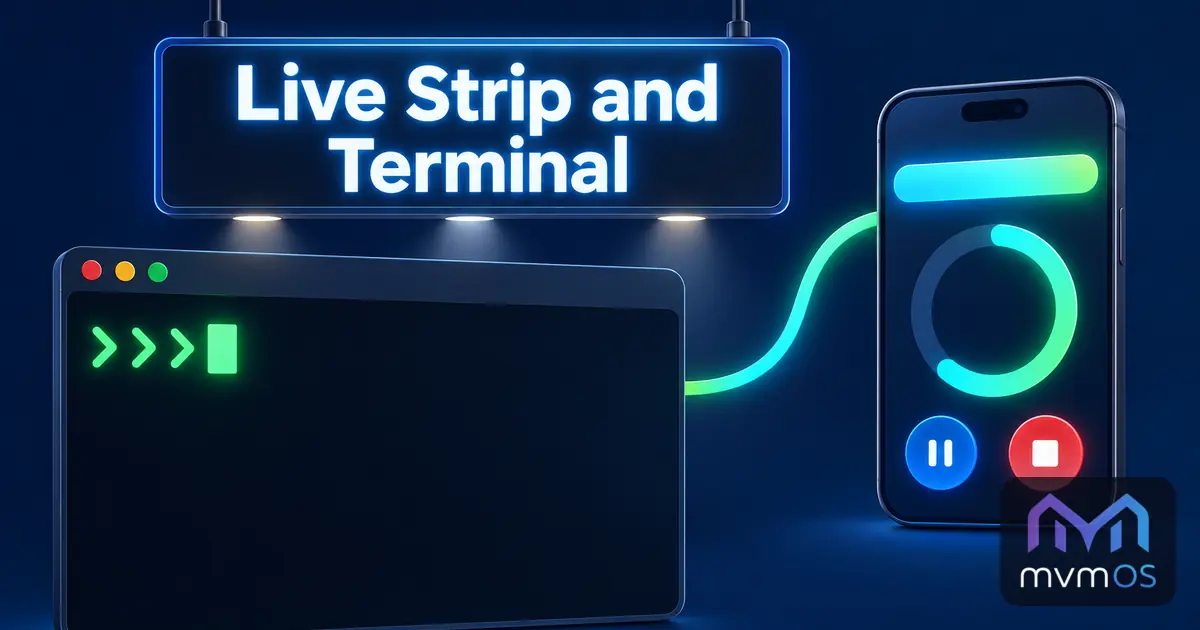
mvmOS 1.13.0 adds a live strip to the public Apps Hub pages, and the Store brings a terminal into the mvmAI chat with Premium, pictures instead of file names, and Tasks that report their timers to the strip.
Core 1.13.0
• A live strip appears under the header of every public page while something is running in one of the profile's apps, such as a Tasks timer with its title and a clock that keeps counting. Tapping it opens the app.
• When more than one thing is running, a button with the number of the rest opens them inside the strip, pushing the page down instead of covering it.
• An item can carry pause, continue, stop or done buttons, so a timer can be paused or stopped from any page without opening Tasks. The page can only run a button the app offered a moment before for that very profile.
• The strip belongs to the profile alone and is there only while there is something to show. Apps join it by offering one function in their own app API.
mvmAI 0.13.0
• With Premium, the desktop chat can have a terminal. It opens over the chat, at the bottom or on the right, in the folder of the chat's project, and starts the command-line tool of the chat's provider, such as Claude, Codex or Gemini, so its own commands can be typed directly.
• It hides when you click elsewhere. A pin button keeps it docked beside the chat and open every time you return to that chat, while a new chat starts without one. Its session keeps running while hidden, so the tool does not ask about trusting the folder again.
• The setting sits in one Premium block of the mvmAI settings, without a Premium label on each control. Without Premium it is shown locked and opens the Premium dialog, and the public page has no terminal.
• Attached pictures show as small previews before sending and in the chat, a click enlarges them, and older chats show the administrator's pictures again for a week.
• The permission menu of the sidebar is no longer cut off, and the send button grows with its text so longer languages fit.
Tasks 1.7.0
• A running or paused timer appears in the live strip with buttons to pause, continue or stop it. This needs mvmOS 1.13.0.
BwalletT 1.0.5
• The public payment range is shown on the send form, and the amount is checked while you type.