Energy for Your Tower
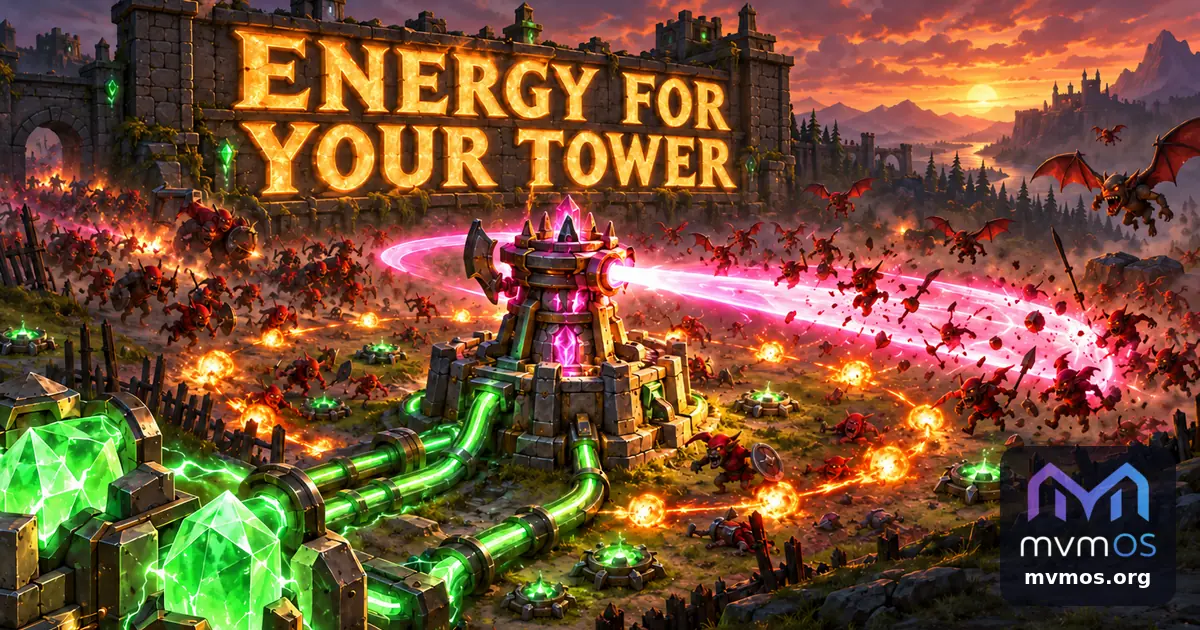
Tower Defense 1.4.0 gives your tower an energy supply that you manage, adds a new sweeping beam and makes the shop easier to use on a phone. mvmAI 0.16.1 keeps its usage meter on screen and makes its activity graph clearer.
Tower Defense 1.4.0
Energy decides what the tower can run. A new tower starts with none, and every weapon and extra draws power while it is switched on.
• The Energy block at the top of the shop shows how much is used and how much is free.
• Every item has a green background that shows its share of the total, and a switch that turns it on or off while the bar changes at once.
• Ask for more energy than you have and the bar turns red, and the next wave will not start until you switch something off or buy more.
• The permanent shop sells energy too, and the energy and switches you set there are what every new game starts with.
• The old limit of three weapons is gone: you can run them all if you can power them.
New and changed weapons
• The sweeping beam turns round the tower like a clock hand and cuts every enemy it passes inside the range, flyers too, with its own Power and Spin speed upgrades.
• Mines are dropped at random places inside the range, one after another, with no limit on how many lie on the field.
• Shots that lose their target carry on to the nearest enemy instead of disappearing.
A shop that is easier on a phone
• Bought items show only their current values and open their buttons when tapped, and everything closes again when the next wave starts.
• Buttons have two rows with the price and the extra energy they need, and buying no longer throws you back to the top.
• A button before Start wave opens a list of the coming enemies with their pictures and descriptions, one to a row.
• Sound and Exit moved into a menu button, and Fast play has one wave list with Intermediate stop as its first choice and a save button that only appears when you change something.
mvmAI 0.16.1
• The subscription usage bars above the chat no longer disappear when a refresh fails or is slow: the last good reading stays until a new one arrives.
• The activity graph shown while a chat is working now rises clearly for every CLI, so Codex reads as well as Claude, and keeps a faint pulse between bursts instead of a flat line.