Battery Capacity, Clearer Colors
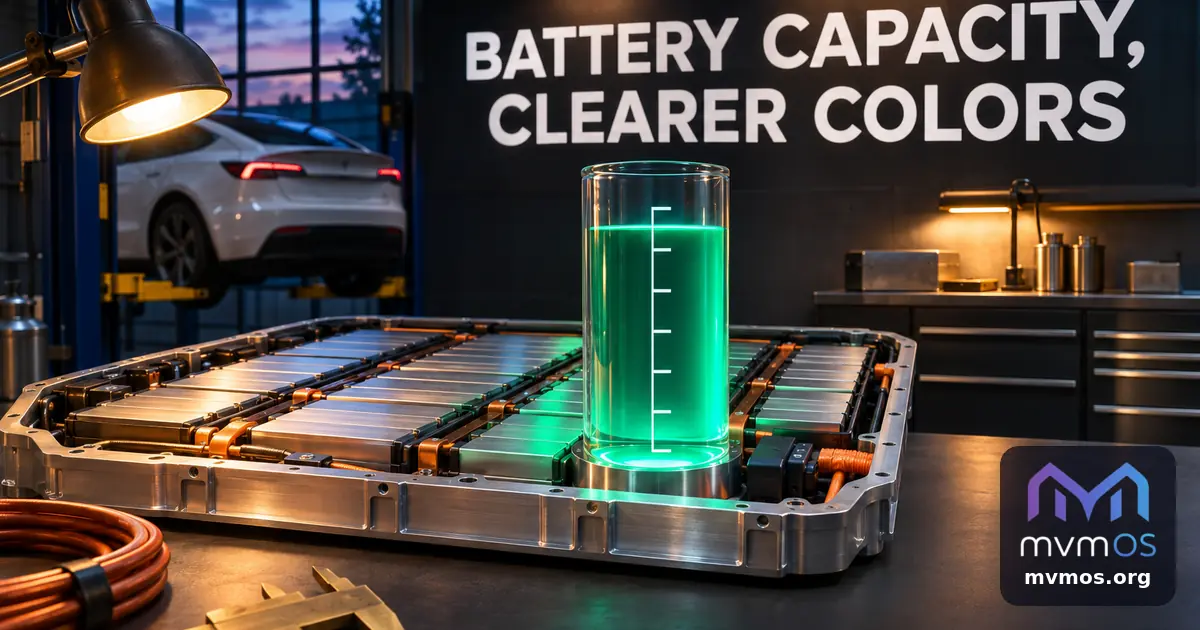
Tesla now estimates how much energy your car's battery can really hold, and text on accent colored buttons stays readable on public Apps Hub pages. This release brings mvmOS 1.19.2, Tesla 1.3.0 and mvmAI 0.19.2.
mvmOS 1.19.2: readable accent colors
Public Apps Hub pages now work out whether black or white text suits the profile's accent color and refresh it the moment the theme changes.
• Buttons, selections and chat bubbles in public apps stay legible in light, dark and automatic appearance, independently of the desktop theme.
• The desktop checks the accent color and its hover shade together, so the highlighted current day in the shared calendar stays readable when the pointer is over it.
Tesla 1.3.0
The Battery tab has a new Battery capacity card. It estimates the usable capacity of the pack from your finished charging sessions and shows how it changes over time or distance.
• Every charge that raises the battery by at least 30% gives one reading; charges to 100% count more and cold charges count less.
• After three usable charges you see the estimated capacity in kWh, and after eight charges spread over at least four weeks you also see the change since tracking started.
• Enter the factory capacity in Settings to see the estimate as a percentage of it, with a dashed reference line on the chart.
• Trips that begin after the car was parked now start from the right place on the map.
The figure is an estimate accurate to within a few percent, not a battery diagnosis.
mvmAI 0.19.2
Your own chat bubbles, the send button and confirmation buttons keep readable text on every accent color, on the desktop and on public pages.