Pick and Upload Files Anywhere
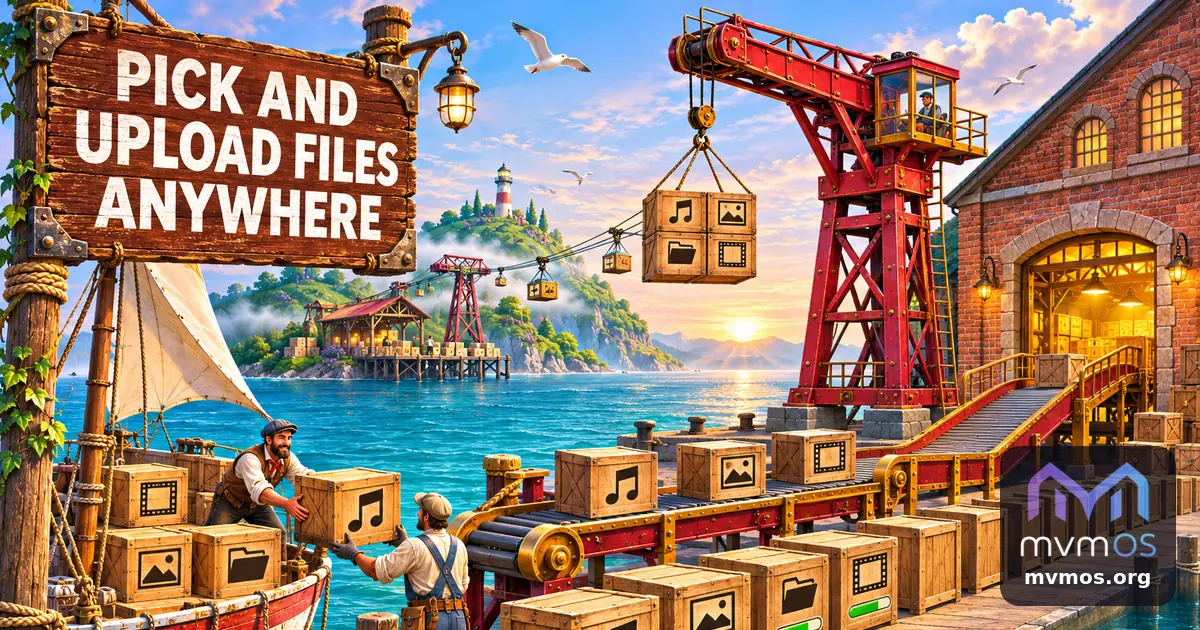
mvmOS 1.21.0 gives apps one shared way to choose files and folders and one shared uploader. qBit Dashboard 1.9.0, mvmAudio 1.2.0 and FindYourself 1.17.0 are the first to use the new Core.
Core 1.21.0
• A new file and folder picker opens in the middle of the screen, like the shared calendar. It first asks where the files are: this device, the mvmOS server or a folder shared from another mvmOS, and shows only the places the app allows and you can reach.
• Apps can ask for one file, many files, a whole folder or a place to save to, limit the types, size and number, and keep you inside a chosen folder such as your home.
• On the server you see only what your own Linux account may read. A file taken from a shared folder is not copied: it is read straight from the sharing server, which spends the traffic.
• A new uploader sends files, many files or a whole folder with its structure to the server or to a folder shared from another computer, and can unpack an archive when it arrives.
• Large files are cut into parts below the Cloudflare request limit. Every upload appears in one panel with progress and speed, waits in a queue and can be stopped or tried again.
• Apps Hub gets Service keys for Google Maps: each profile keeps its own keys, and the administrator can share keys with chosen apps and people, so apps no longer ask for a key in their own settings.
qBit Dashboard 1.9.0
• Download folders are chosen in the new folder window, which opens at the save path you typed or remembered, when adding a torrent, adding an IPTorrents result and moving a torrent.
• It shows only this server and keeps you inside your own home folder: you can step back up to it but never into system folders.
mvmAudio 1.2.0
• The library manager has Choose files and Choose a folder buttons for adding audio from this device, from the mvmOS server or from a folder shared by another mvmOS.
• Server files are copied into the library. Files from a shared folder are only linked and play straight from the sharing server, so nothing is stored here and the traffic is spent there.
FindYourself 1.17.0
• The game takes its Google Maps key from your Apps Hub service keys, or from the one the administrator shares with you, instead of its own setting.