Disks in File Manager
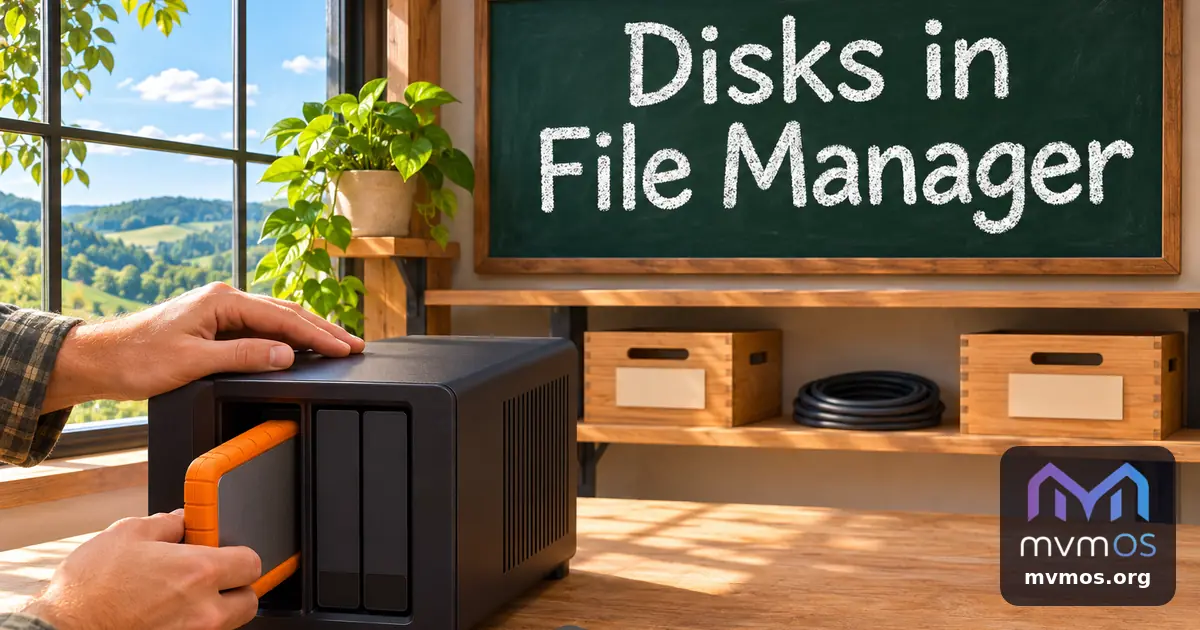
mvmOS 1.23.0 adds a Devices place to File Manager for extra and external disks, lets system backups go to several places, and makes files written into shared folders readable by other programs.
Devices in File Manager
• A new Devices place sits between Computer and Trash. It lists the disks and partitions the server does not run from, such as a USB drive or a second internal disk, with label, size, file system and whether each is mounted. If there are none, it says so.
• Click a disk to mount it and open it like any folder. The eject button unmounts it and powers a USB disk off so it can be unplugged.
• A disk the system sees but cannot offer, for example an encrypted volume, an unsupported file system or a disk without a file system, is shown dimmed with the reason.
• Mounting and ejecting are for administrators, who confirm with their own password like with sudo. Everyone else can open disks that are already mounted.
• Disks are mounted safely, FAT, exFAT and NTFS disks belong to the person who mounted them, and nothing is written to the system mount table, so a disk is not remounted after a restart.
Backups in several places
• System backups can be stored in several places chosen in Settings: a folder on this server, or a folder shared from another mvmOS that allows uploading.
• Every place has its own schedule and its own number of backups to keep, so a daily local copy and a weekly remote copy can work side by side.
• One archive is made per run and copied to each place that is due. If one place cannot be reached, the others still receive the backup and the result names the place that failed.
Shared folders
• Files and folders written into a shared folder are now created with normal permissions instead of private ones, so a media server or file sharing program on the sharing machine can read them.
• Apps get helpers to create folders, delete items and stream a local file into a shared folder, described in the developer guide.
The Core documentation and README describe the Devices place, the backup places and the new helpers.