One-Click Local Install
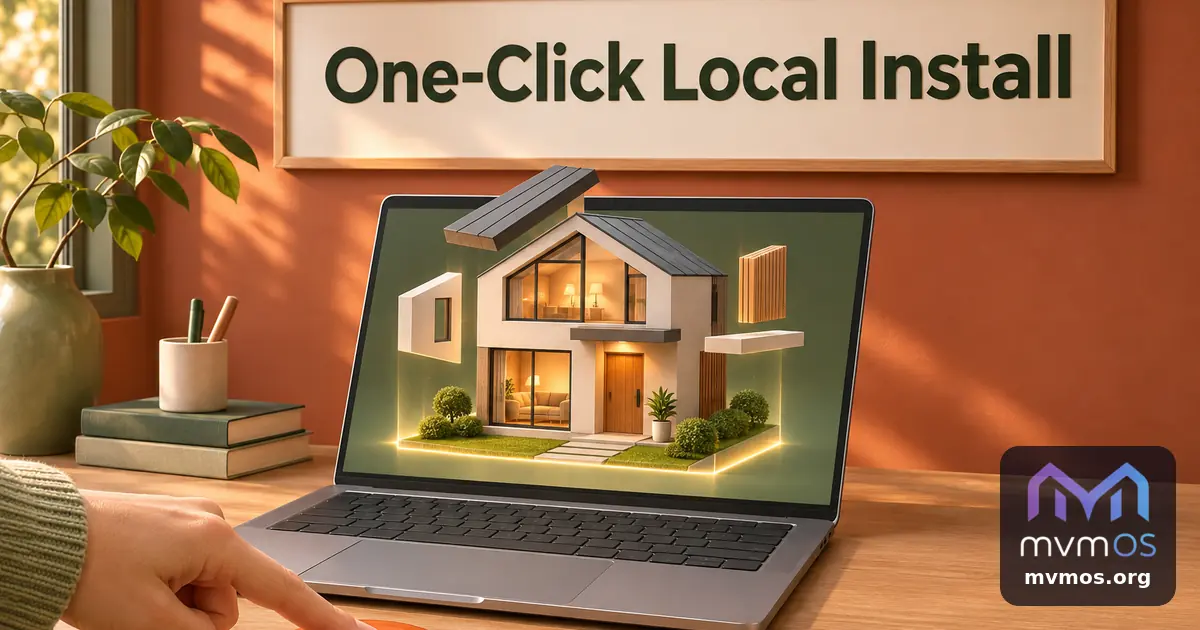
mvmOS Desktop 0.6.0 can install mvmOS on the computer it runs on, with one button and no terminal. It also adds a proper right-click menu and fixes find in page.
Install on this computer
On Linux, the dialog for adding an installation now offers Install on this computer next to Connect to a server.
• Give it a name, accept the terms and enter your computer password once.
• mvmOS gets its own folder in /opt, its own service and its own port, appears in the sidebar and opens right away. Sign in with your Linux user name and password.
• Several installations can live side by side, each with its own data.
• The edit dialog shows the folder, service and port, and starts or stops the installation.
• By default only this computer can open it. A checkbox lets phones and other devices on the same network open it too, and shows the address to use.
• Uninstall stops and removes the service and deletes the installation after a confirmation.
It needs Python 3.10 or newer, systemd and polkit, and the dialog says exactly what is missing. Windows and macOS keep connecting to servers as before.
Links and right-click
• Right-click a link to open it in your system browser or copy its address.
• Ctrl+click opens a link in the system browser.
• Right-click text or a text field for cut, copy, paste and select all.
Find in page
Ctrl+F now focuses the search field, highlights every match and shows how many there are. Enter and the arrows move between them.
Getting the update
The app offers the update itself. Downloads for Linux, Windows and macOS: https://github.com/mvmrik/mvmOS-Desktop/releases/tag/v0.6.0