Pinned windows and a Git terminal
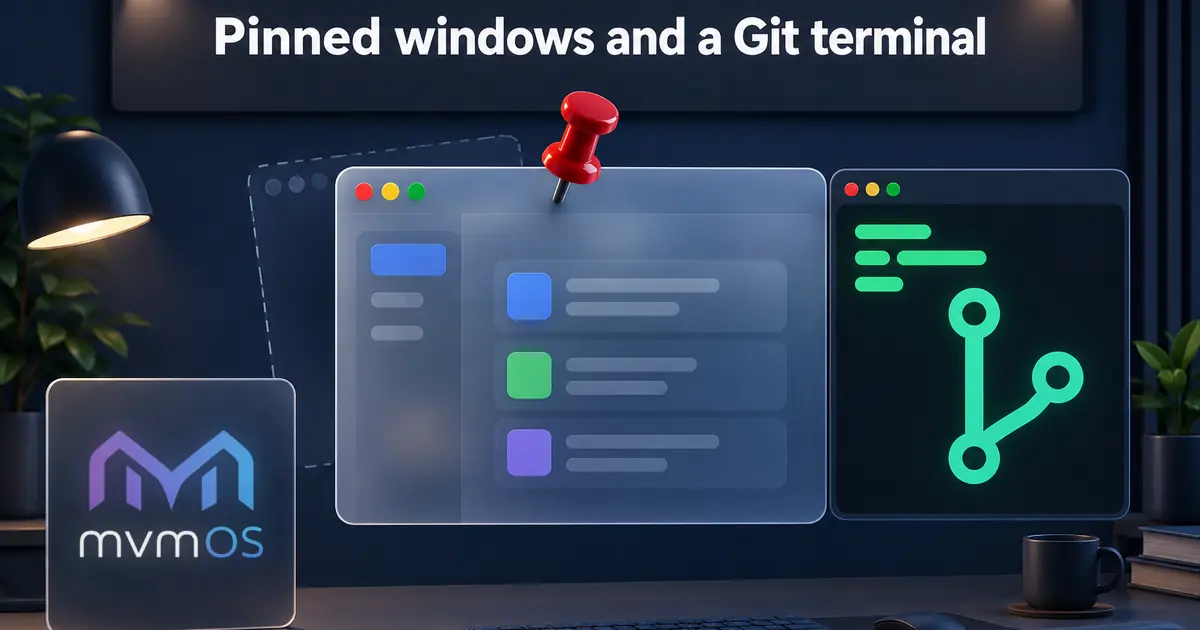
mvmOS 1.2.0 lets you pin any window on the desktop. A new pin button in the title bar remembers the window's current size and position, so the app opens in exactly the same place next time. The pin lives only in the browser you set it in and is never synced to other devices. Moving, resizing or maximizing a pinned window releases the pin instead of silently overwriting the saved spot, and a pinned window that no longer fits a smaller screen is brought back into view. Pinning is not shown on phones, where windows always fill the screen.
Git Manager 1.6.0 adds a terminal for the selected repository right inside its window, docked at the bottom or on the right. Each repository keeps its own live session while you switch between them, and the list of changed files refreshes on its own when something in the terminal edits the working tree. A branch that matches one on origin but has lost its tracking link is reconnected automatically, so ahead and behind counts and pull keep working.
With Premium, the GitHub Issues list shows the issues assigned to you first, and new or edited issues can set assignees, labels and a milestone straight from the repository's own GitHub data. Editing an issue always keeps its current assignees, labels and milestone, even when the repository data loads slowly or the milestone is already closed. Opening a pull request lets you search for the target branch in a list that always puts the default branch first. The updates are available through the Store.