Introducing Local Display
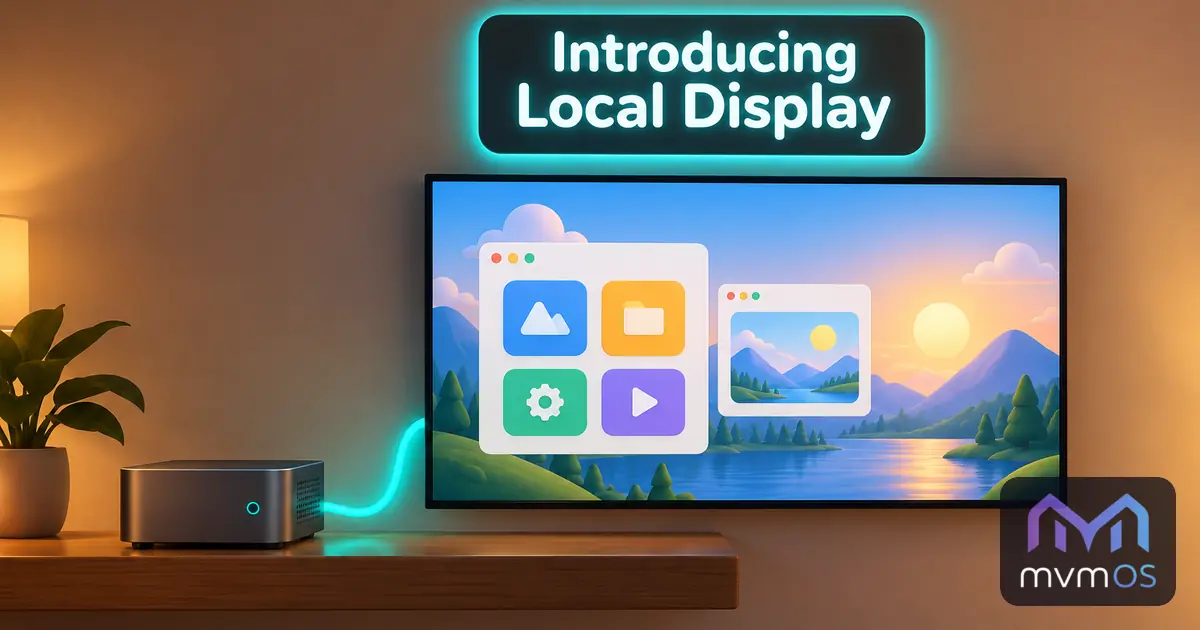
Local Display is a new app in the Store that shows mvmOS full screen on the monitor or TV connected to the computer. It is made for machines that run mvmOS with nothing but a text console, such as a small home server or a mini PC behind the TV: plug in a screen, a keyboard and a mouse, and the same computer becomes an mvmOS desktop without installing a desktop environment.
The app shows whether a screen is connected, switches mvmOS on the screen on and off, and can open it every time the computer starts. The same can be done with the mvmos-display command from the computer's own terminal or over SSH, and every change asks for your sudo password. On the screen you sign in with your Linux user, just like in the browser.
The first start installs a small kiosk compositor and the Chromium browser, which run under their own restricted user. Another text console is always one key combination away, and stopping the display brings the normal login back. Removing the app takes its service, user, command and the packages it installed off the system again, unless other software has come to need them.
Local Display works on Debian and Ubuntu based systems, requires mvmOS 1.6.0 and is fully translated into all nine supported languages.