Default Apps for Every File
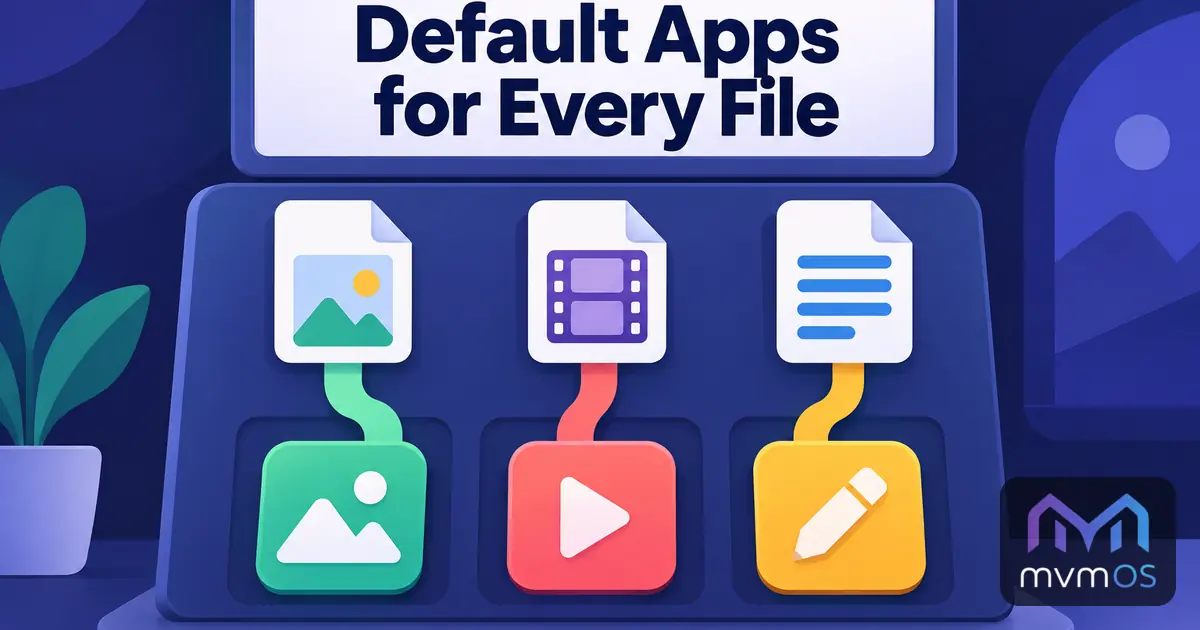
mvmOS 1.8.0 lets you decide which app opens each kind of file, and Store apps can now bring file types of their own. This release also adds four new apps to the Store and updates Hattrick Calculator.
mvmOS 1.8.0: default apps
Double-clicking a file in File Manager or on the desktop now opens it with the app chosen for its type. Out of the box nothing changes:
• Images open in the image viewer.
• Video and audio open in the media player.
• Source code opens in the code editor and plain text in the text editor.
• Internet shortcuts open in the browser, and archives are extracted in place.
Store apps can register file types of their own, so a document, picture project or video project saved from an app opens in that app with a double click.
Open with
A new Open with option in the right-click menu of File Manager and the desktop lets you pick another app for a single file.
• The code editor and the text editor are always offered, whatever the file is.
• Tick Always use this app to make your choice the default for every file with that extension.
• A file type that no app claims asks the same question when you open it.
• Files opened from an administrator window still open as root.
Default apps in Settings
Settings has a new Default apps section.
• It first shows every app with the file types it opens, with your own choices highlighted.
• Below it is the list of file types, grouped when they share the same app and the same choices, so one change applies to the whole group.
• Search for any extension, or click it under its app, to change just that one, even one no app knows yet, such as pdf.
• Restore defaults removes all your choices, and if the app you chose is uninstalled, its file types go back to their default app.
All new text is available in all nine supported languages, and the File Manager, Settings and Apps and Store documentation describe default apps.
New in the Store
• mvmOffice 1.0.0: text documents on A4 pages and spreadsheets in one file.
• mvmPhoto 1.0.0: an image editor with layers.
• mvmVideo 1.0.0: a timeline video editor that exports at full quality.
• mvmWarehouse 1.0.0: stock, orders, invoices and payments for a small company.
Each of them has its own introduction in the news. mvmOffice, mvmPhoto and mvmVideo need mvmOS 1.8.0, so that their files open from File Manager.
Hattrick Calculator 1.1.0
The squad and lineup tool for the online football manager game at hattrick.org gets smarter lineups and training forecasts.
• Cup and friendly lineups rest the players of your strongest league eleven, unless you ask for the strongest team.
• You can choose the set pieces taker yourself instead of taking the suggestion.
• The training forecast follows Hattrick's published training speeds and learns only from skill-ups recorded under the same training setup.
• The youth academy suggests the primary and secondary training that reveal the most about your youths.
• The lineup is now shown from the goalkeeper upwards.
For developers
The Store developer guide now explains how every app must follow the user's light or dark theme, both in its desktop window and on its public page.