Introducing mvmOffice
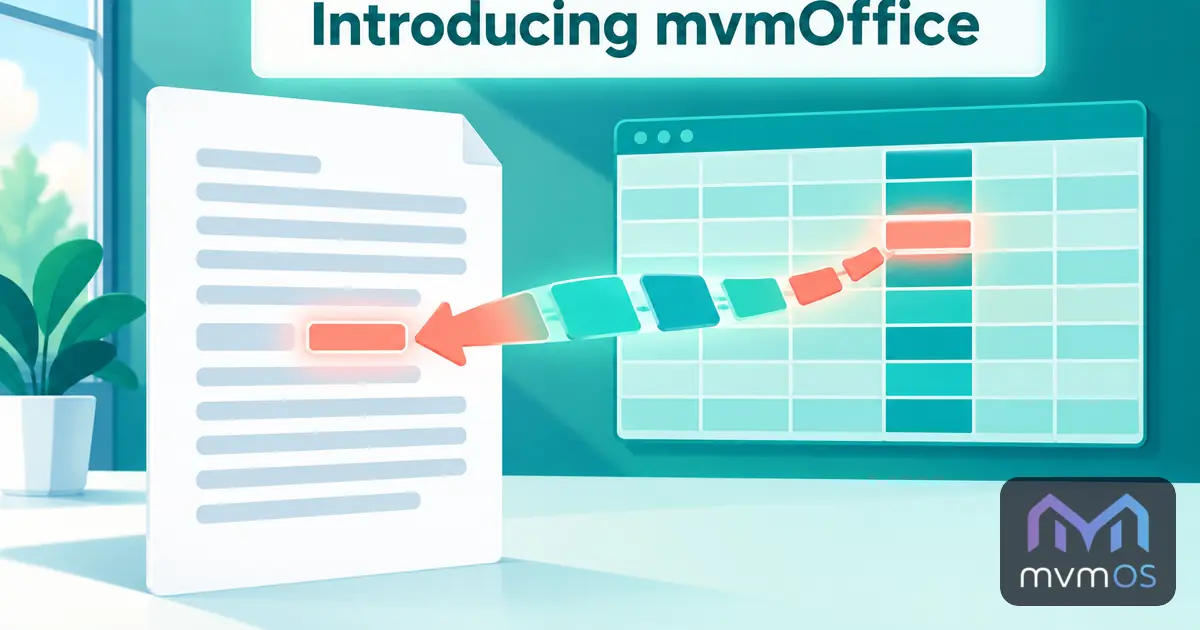
mvmOffice is a new app in the Store that puts a text document and a spreadsheet into the same file, so your writing and your numbers stay in sync.
Pages and data in one document
Pages are written like in a word processor, on real A4 sheets. Data sheets are full spreadsheets that feed the document without being printed with it.
• Headings, bold, italic, underline, colors, alignment, lists, horizontal rules and page breaks.
• Tables inside the text that behave like a spreadsheet, with a header row that repeats on every printed page.
• Data sheets with up to one hundred thousand rows, resizable columns and number, percent, currency and date formats.
Formulas across the whole document
• A formula in any table can use cells from any other table or data sheet.
• A calculated value can sit inside a sentence: write "The highest price is" and insert the maximum of the Price column, and the sentence follows the data whenever it changes.
• Renaming a table or inserting rows keeps every formula pointing at the right place.
• Suggestions for functions, tables and column names appear as you type.
• Copy and paste work with other spreadsheets and web pages, with undo and redo for every change.
Your files, where you want them
Documents are ordinary .mvmoffice files.
• They are saved automatically to your documents on the server under your Apps Hub account, protected against two windows overwriting each other.
• Download one and open it on any other mvmOS.
• In Chrome and Edge, edit a file on your computer in place.
• In the desktop window, save to and open from your server folders, and with mvmOS 1.8.0 open a document from File Manager with a double click.
• Print the document or a data sheet on A4.
mvmOffice runs entirely in your browser with nothing extra to install on the server, is available in all nine supported languages and requires mvmOS 1.8.0.