Introducing mvmPhoto
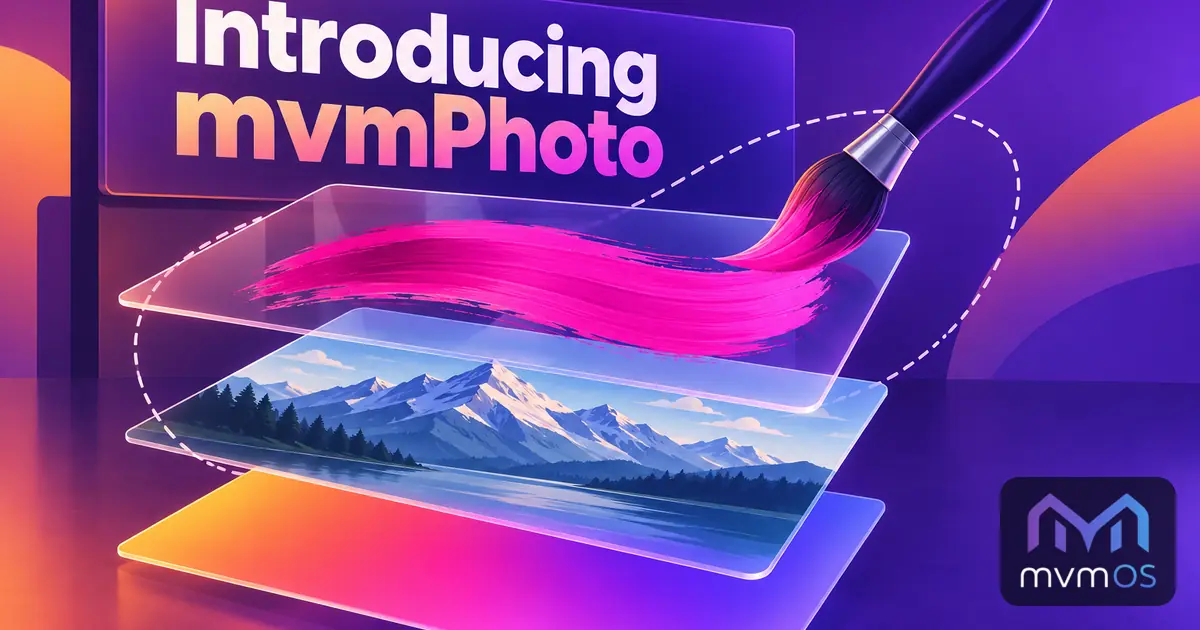
mvmPhoto is a new image editor in the Store that works the way you know from the big photo editors, right on your mvmOS desktop.
Layers
Open pictures from your server folders or your computer, or start with an empty canvas, and build your image on as many layers as you need.
• Opacity and sixteen blend modes for every layer.
• Show, hide, rename, reorder, duplicate and merge layers.
Selections and tools
• Rectangle, ellipse, lasso and magic wand selections that can be added, subtracted, intersected, inverted, expanded, contracted and feathered.
• Soft brush, pencil, eraser, paint bucket, linear and radial gradients, shapes, lines and text.
• Free transform to move, scale and rotate layers or selections.
• An eyedropper and a list of recently used colors.
Adjustments
• Brightness and contrast, hue and saturation, blur, sharpen, invert and black and white, all with a live preview.
• Crop, resize the image or the canvas, rotate, flip and trim transparent edges.
• Undo and redo for every change and keyboard shortcuts for all tools.
Saving your work
• Export to PNG, JPEG or WebP into a server folder or download it to your computer.
• Keep the whole work with all its layers in a .mvmphoto project and continue later.
• With mvmOS 1.8.0, pictures and projects open from File Manager, and mvmPhoto can be chosen with Open with for any PNG, JPEG, WebP, GIF, BMP or AVIF picture.
mvmPhoto runs entirely in your browser with nothing extra to install on the server, is available in all nine supported languages and requires mvmOS 1.8.0.