Introducing mvmVideo
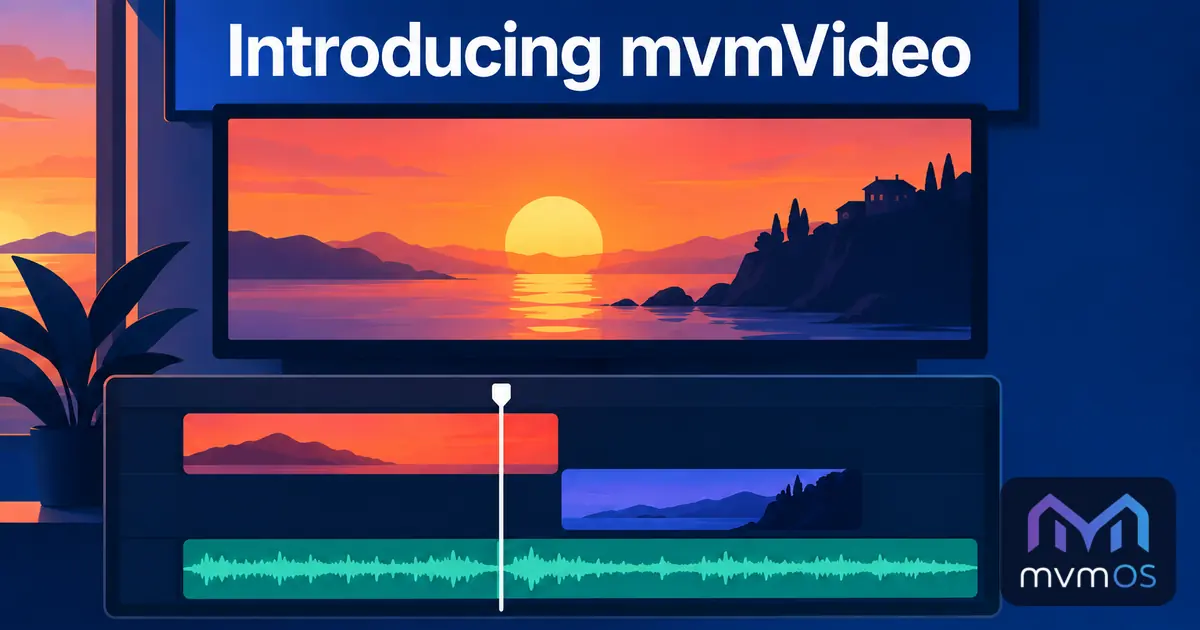
mvmVideo is a new video editor in the Store for cutting, arranging and exporting your videos right on your mvmOS desktop, without losing quality.
The timeline
Pick videos, pictures and music from your server folders or your computer and drop them on the timeline.
• As many video and audio tracks as you need, with upper video tracks lying over the lower ones.
• Move clips with the mouse, trim their start and end, split them at the playhead and snap them to each other.
• Volume for every clip, and tracks that can be muted or hidden.
• Waveforms for audio clips and thumbnails for video and picture clips.
• Undo and redo for every change, with keyboard shortcuts for the common actions.
Live preview
• Playback with frame by frame stepping and a precise time display.
• The preview shows exactly how the result will look and sound.
Export in full quality
• Every frame is rendered one by one at the project's resolution and frame rate, so nothing is skipped or blurred.
• A clip that already has the project's size is copied pixel for pixel.
• Export to MP4 or WebM in maximum, high or standard quality, with an estimated file size and remaining time.
• Save the finished video to a server folder or download it to your computer.
Projects
A project is a small .mvmvideo file that remembers the tracks, the clips and where their files are, so you can continue later. With mvmOS 1.8.0 it opens from File Manager with a double click.
mvmVideo runs entirely in your browser with nothing extra to install on the server, is available in all nine supported languages and requires mvmOS 1.8.0.